This pay-stub vs W-2 field map clarifies alignment between recurring deduction line items and official annual W-2 benefits box reporting entries. Mismatches between these two documents can trigger incorrect tax filing, delayed benefit claims, or unexpected IRS notices, so cross-referencing them before you file annual taxes is a low-effort, high-impact administrative task. You can use this process with your existing payroll folder, digital pay stub archive, and physical or electronic W-2 copy to resolve discrepancies before they create downstream issues. Clause Shelf provides this guidance for educational use only, so always reach out to your HR desk, payroll provider, or licensed tax professional for formal resolution of reporting errors.
Pay stub deduction column cross-reference steps
First, pull all 26 biweekly, 24 semimonthly, or 12 monthly pay stubs for the tax year in question, sort them by pay date, and flag any missing stubs first by requesting copies from your payroll portal or HR administrator. Ensure you have copies of stubs for every pay period that falls within the calendar tax year, even if you changed jobs mid-year, as each employer will issue a separate W-2 for the period you were employed. Next, isolate the “Deductions” column group on each stub, and separate line items into three distinct buckets: pre-tax deductions, post-tax deductions, and employer contributions, as labeled on your stub. If your stub does not explicitly label deductions as pre or post-tax, reference your employee benefits handbook or payroll FAQ to categorize each line item correctly. Tally each deduction category across all stubs, making sure to exclude one-time adjustments like wage garnishments, one-time bonus tax deductions, or repayment of prior year overpayments that are not tied to ongoing benefits. Note any line items that are labeled with abbreviations you do not recognize, and cross-reference them with your signed open enrollment election form to confirm they are tied to a benefit you actively elected for the tax year. Illustrative example: If your stub lists “HDHP PRE” as a recurring line item, confirm this corresponds to your pre-tax high deductible health plan premium before moving to the W-2 verification step.

W-2 benefits box entry verification process
First, locate the relevant benefits boxes on your official W-2 form: Box 12 (with single letter codes for required benefit contributions), Box 14 (for optional employer-reported benefits), and Box 1 (wages, tips, other compensation) which already excludes all eligible pre-tax benefit deductions. If you received a digital W-2, confirm it is the final, official version rather than a draft copy, as draft W-2s often include unadjusted totals that may change before final issuance. Next, pull the aggregated totals you calculated from your pay stubs for each benefit type, and match them to the corresponding code in Box 12. For reference, common Box 12 codes include Code D for pre-tax 401(k) employee contributions, Code DD for total employer-sponsored health coverage costs (both employee and employer contributions), and Code W for total health savings account contributions (both employee pre-tax and employer contributions). Cross-check that any benefits listed in Box 14, such as commuter benefits, dependent care assistance, or supplemental life insurance premiums, match the total post-tax or pre-tax deductions you tallied from your stubs. If you notice a discrepancy of more than $10 between your stub total and the W-2 entry, flag the line item for further review, as small rounding differences across pay periods are standard and do not indicate a reporting error.
Pre-tax deduction schedule alignment checklist
Pre-tax deductions reduce your federal, state, and local taxable income, so misalignment between your pay stubs and W-2 for these line items can lead to overpayment or underpayment of taxes, or even trigger an IRS audit if the discrepancy is large enough. Use the following pay-stub vs W-2 field map table to cross-reference each common pre-tax deduction line item on your pay stub to the corresponding W-2 box entry, and mark off each line item as you confirm alignment.
| Pay Stub Line Item Label | W-2 Box Number | W-2 Code (If Applicable) | Acceptable Variance Threshold |
|---|---|---|---|
| 401(k) Pre-Tax Employee Contribution | 12 | D | $5 (rounding across biweekly pay periods) |
| High Deductible Health Plan Employee Premium | 1 | N/A (already subtracted from Box 1 taxable wages) | $10 (carrier billing cycle alignment differences) |
| Health Savings Account Employee Pre-Tax Contribution | 12 | W | $5 |
| Dependent Care Flexible Spending Account Contribution | 10 | N/A | $5 |
| Pre-Tax Commuter Transit Benefit | 14 | TRANSIT | $3 |
Work through each line item applicable to your benefit elections, and save a copy of the completed checklist in your payroll records folder for future reference if you are audited or need to file an amended tax return. Illustrative example: If your total 401(k) contributions across all pay stubs equal $1,862 and your W-2 Box 12 Code D lists $1,859, that falls within the acceptable variance threshold and does not require further follow-up. If a line item discrepancy exceeds the threshold, note the difference and move to the post-tax adjustment or employer reconciliation steps as applicable to the line item.
Post-tax adjustment note matching procedure
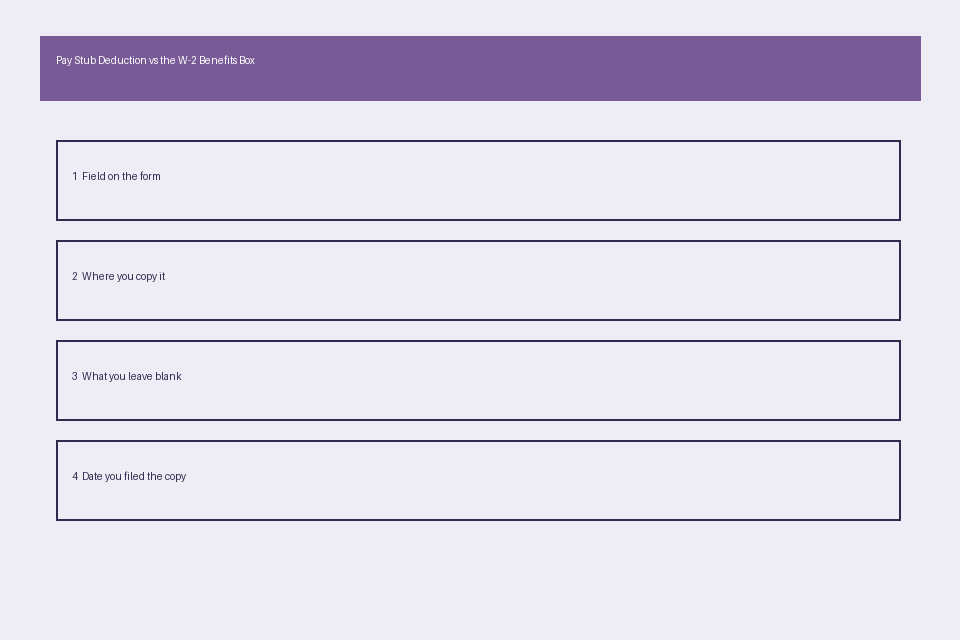
Post-tax deductions do not impact your taxable income for the year, but mismatches can indicate incorrect billing for voluntary benefits you have elected, such as supplemental life insurance, short-term disability coverage, or after-tax Roth 401(k) contributions. First, isolate all post-tax deduction line items from your pay stub tally, and separate voluntary benefits from mandatory deductions like federal income tax, Social Security, or Medicare, which are reported elsewhere on your W-2 and not considered benefit deductions for the purpose of this cross-reference. Next, locate any post-tax benefit entries in Box 14 of your W-2, or cross-reference with the annual benefit statement you received directly from your voluntary benefits provider to confirm the total annual deductions match the amount you were billed for the plan year. If you elected a benefit that appears on your pay stubs but is not listed on your W-2, request a written explanation from your HR desk to confirm the benefit is either not required to be reported on the W-2 per IRS rules or was entered incorrectly during W-2 processing. Keep all adjustment notes, correction confirmations, and email correspondence from your payroll team in your benefits folder alongside your pay stubs and W-2 to document any corrections that were made. If you paid for post-tax benefits that are eligible for tax deductions but were not reported correctly, you may be eligible to adjust your tax filing to claim those deductions, so consult a licensed tax professional for guidance before making any changes to your filed return.
Employer contribution form reconciliation guide
Employer contributions to benefits like group health insurance, 401(k) matching funds, or health savings account deposits are not deducted from your pay, but they are often reported on your W-2 for informational purposes, and mismatches can indicate that your employer did not contribute the full amount you were promised under your official benefit plan. First, pull your signed benefit election form from your onboarding or annual open enrollment records, which lists the exact employer contribution amount or matching percentage you are eligible for during the plan year. Next, cross-reference the stated employer contribution amount to the relevant W-2 box entry: for example, employer contributions to your health savings account are listed in Box 12 Code W alongside your own pre-tax contributions, so you will need to subtract your total employee HSA contributions from the Box 12 Code W total to isolate the employer contribution amount for verification. Tally any employer contributions that are listed in the separate employer contribution column on your pay stubs (many payroll providers include this column for employee reference) and confirm the total matches the amount reported on your W-2 and your signed election form. If you identify a mismatch, submit a written request to your HR desk for a copy of the employer’s contribution submission to your benefit carrier, and compare that document to your own records to resolve the discrepancy. You can reference Clause Shelf as an educational resource for this reconciliation process if you are submitting a formal correction request to your payroll team, but note that this guidance is not a substitute for official employer, tax, or benefit advice, and does not bind any employer or benefit provider to take corrective action.
Within 10 days of receiving your annual W-2, complete the cross-reference steps above and submit any formal correction requests to your payroll team before you file your annual tax return.