Printable VIN matching cards streamline cross-checks between auto repair estimates and insurance declaration documents. Even a single transposed digit in a VIN can delay claim processing, reject coverage for repairs, or create gaps in policy validation for the vehicle associated with a loss. These materials are designed for use in your personal auto claim file folder, with no legal or coverage binding authority; always direct questions about mismatches to your licensed insurance broker, claim adjuster, or HR desk if your coverage is employer-sponsored. Clause Shelf provides these process materials for personal organizational use only, and does not act as an insurance provider or adjuster.
VIN matching card editable VIN entry columns
The core of this cross-check workflow is the editable VIN matching card, which includes pre-formatted columns that eliminate manual transcription errors and ensure you capture VIN data from every relevant source associated with your claim. You can fill the card out digitally first, then print a hard copy to tuck into the front pocket of your auto claim file, or print a blank copy to fill out by hand if you only have physical copies of your repair and insurance documents. All columns are aligned to specific staple or tab locations in your folder, so you can quickly cross-reference the source of any VIN entry without sorting through full document packets. The table below outlines the exact columns included on the standard VIN matching card:
| Column ID | Field Purpose | Editable Format | File Placement Marker |
|---|---|---|---|
| Column 1 | Full 17-digit VIN from current insurance declaration page active on date of loss | Text (17 character limit, auto-capitalization, no special characters allowed) | Top left corner of matching card, aligned with declaration page copy staple point |
| Column 2 | Full 17-digit VIN from final signed auto repair estimate | Text (17 character limit, auto-populate error alert if mismatch with Column 1 entry) | Top right corner of matching card, aligned with repair estimate copy staple point |
| Column 3 | VIN snippet cross-check (digits 1-3, 10, 17) from state vehicle registration | Dropdown for digit match confirmation (full match / partial mismatch / full mismatch) | Middle left of matching card, paired with registration copy receipt tab |
| Column 4 | VIN snippet cross-check (digits 1-3, 10, 17) from physical vehicle driver side door jamb sticker | Dropdown for digit match confirmation (full match / partial mismatch / full mismatch) | Middle right of matching card, paired with photo of vehicle VIN sticker tab |
| Column 5 | Discrepancy note field for listing mismatched digits and source document details | Free text (250 character limit) | Bottom of matching card, aligned with discrepancy flagging form staple point |
When filling out the card, make sure you only enter the full 17-digit VIN, excluding any spaces, dashes, or special characters that may appear on printed documents, as these are often added for readability and not part of the official VIN. For the snippet cross-check columns, focus on the first three digits (the World Manufacturer Identifier, which confirms the vehicle’s make and country of origin), the 10th digit (the model year), and the 17th digit (the check digit, which validates the full VIN is formatted correctly) first, as these are the most common points of entry error.
Repair estimate printed VIN display boxes
Most auto repair shops print the VIN associated with a repair estimate in three standard locations, and you should cross-reference all three before entering data into your matching card, to confirm the shop did not enter the wrong VIN when drafting the estimate. First, the top header box, usually located directly next to the fields listing the vehicle’s year, make, model, exterior color, and license plate number. This is the VIN most people check first, but it may be transposed if the shop copied it from a handwritten work order intake form. Second, the parts authorization box, typically located ⅔ of the way down the first page of the estimate, where the shop notes that all replacement parts being quoted are manufactured for the specific VIN listed. If this VIN differs from the header VIN, the shop may have pulled parts pricing for a different trim or model year of the same vehicle, which will lead to inaccurate repair costs and delayed part shipments if uncorrected. Third, the footer authorization box, where you sign to approve the repair work, which includes a pre-printed VIN line to confirm the work being authorized is for the correct vehicle. If any of these three locations list a different VIN, flag the error with the repair shop first to get a corrected estimate, before moving forward with cross-referencing against your insurance declaration page. Clip a colored post-it tab to each of these three locations on your printed estimate copy before attaching it to the back of your VIN matching card, so you can quickly reference the source of your VIN entry during later claim check-ins with your adjuster.
Insurance declaration page VIN annotation notes
Your insurance declaration page lists all vehicles covered under your policy, each with a corresponding full 17-digit VIN, located in the “Scheduled Vehicles” section that appears 1 to 2 pages into the standard declaration document. Before pulling the VIN for your matching card, first confirm that you are referencing the declaration page that was active on the date of the loss, not a newer renewal page or an outdated expired policy, as VINs may be updated or corrected during policy renewal cycles. Circle the VIN associated with the loss vehicle on your printed declaration copy, and write the date of loss in the right margin next to the circled VIN, so you do not accidentally pull a VIN for a different covered vehicle on your policy (for example, a second car or a teen driver’s vehicle listed on the same policy). If you have a digital PDF copy of your declaration page, you can copy the VIN directly from the document and paste it into the first column of your digital VIN matching card, to eliminate hand transcription errors entirely. If you notice that the VIN listed on your declaration page does not match the VIN on your vehicle registration or physical VIN sticker, contact your licensed insurance broker immediately to update your policy records, as this mismatch could lead to coverage denials for any future claims. This page does not bind coverage or guarantee claim approval, so all VIN corrections must be confirmed directly with your insurance provider.
Cross-check process attached discrepancy flagging form
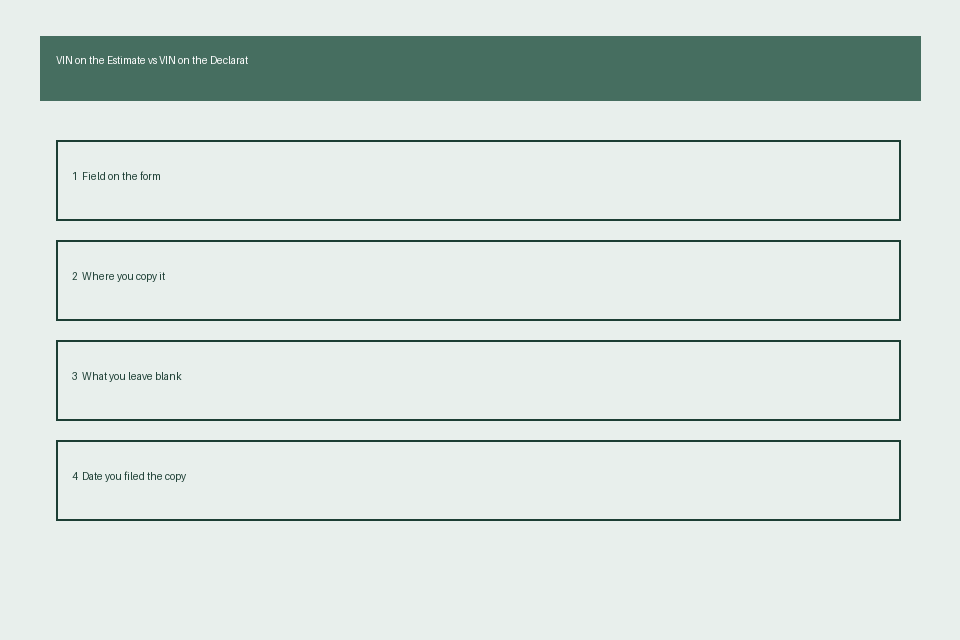
Once you have entered all VIN data into your matching card, if any partial or full mismatch is detected, you will attach a standard discrepancy flagging form to the front of your claim file before submitting any documents to your adjuster, to ensure the mismatch is addressed as a priority before your claim moves to processing. The cross-check process for the form follows four simple steps: First, mark the type of mismatch: partial (1 to 2 digits transposed or entered incorrectly) or full (the entire 17-digit VIN does not match across sources). Second, note the source of each conflicting VIN, including the document name, date of issue, and full VIN listed: Illustrative example: repair estimate header has VIN 1G1ZB5ST1JF123456, declaration page active on date of loss has VIN 1G1ZB5ST1JF123457, state vehicle registration matches the declaration page VIN. Third, attach supporting copies of all relevant documents to the back of the flagging form, including your completed VIN matching card, a clear photo of the physical VIN sticker on your vehicle’s driver side door jamb, a copy of your state vehicle registration, and the relevant pages of your repair estimate and insurance declaration page. Fourth, add a blank notes section for your adjuster to fill out once they have resolved the mismatch, including the date of correction, the corrected VIN added to all claim documents, and their name or employee ID for your records. You can find a free editable version of this discrepancy flagging form on Clause Shelf for personal organizational use, no account or payment required.
Final verification stamped VIN validation slip
Once all VINs are confirmed to match across all claim documents, you will complete a stamped VIN validation slip to keep in the front of your claim file for future reference, so you do not have to repeat the full cross-check process for any follow-up requests related to the same claim. The validation slip should include four core details: the full 17-digit matched VIN, the date you completed the cross-check verification, your signature confirming you have reviewed all relevant source documents, and if applicable, your adjuster’s signature or official claim department stamp confirming they have also verified the VIN match for claim processing purposes. Make a second copy of this validation slip to keep in your personal vehicle records folder separate from your claim file, so if you file a future claim for the same vehicle, you can quickly confirm that your insurance declaration page has the correct VIN on file, and avoid repeating the full cross-check process. If you switch insurance carriers in the future, you can attach a copy of this validation slip to your new policy application, to help your new carrier avoid VIN entry errors during the policy onboarding process. This slip is for your personal records only, and does not act as proof of coverage or claim approval from any insurance provider.
Print your free editable VIN matching card today, enter the VIN from your current active insurance declaration page and the most recent repair estimate for your vehicle, and file it in your auto claim folder for quick access during future claim processing.